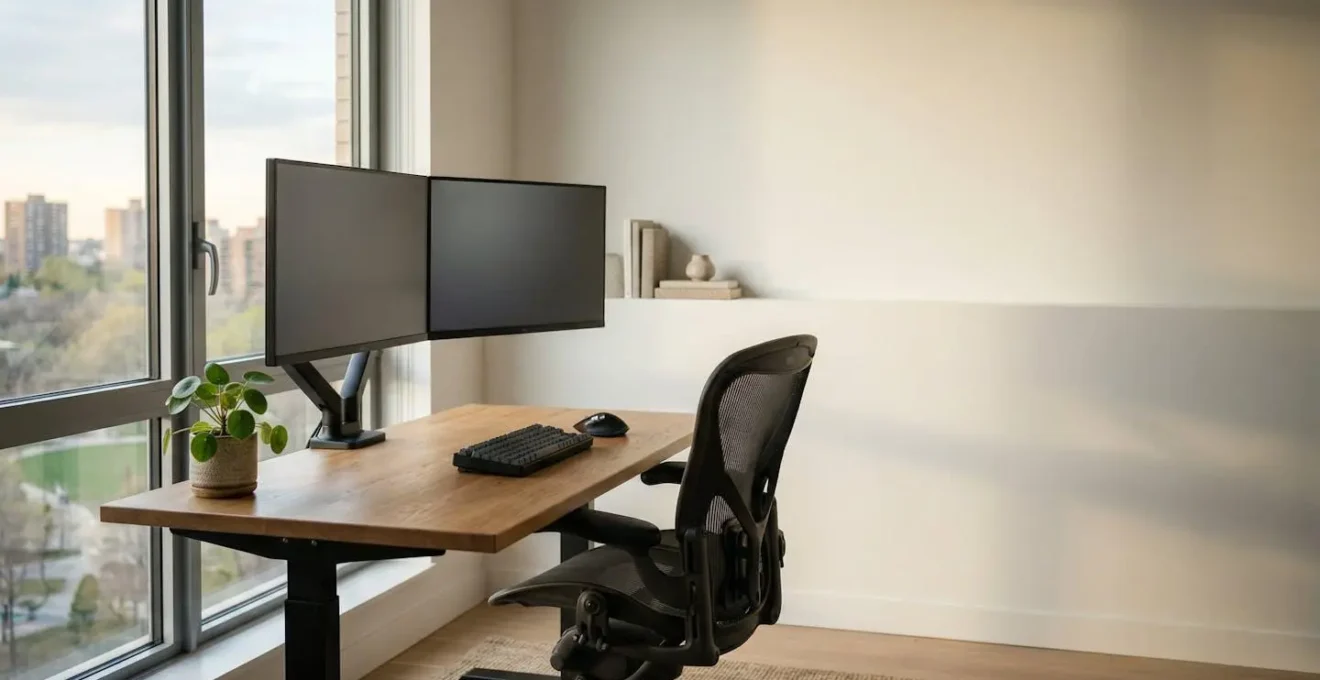
Investing in ergonomics is not a discretionary cost, but a direct strategy to reduce absenteeism and mitigate significant legal and financial risks tied to musculoskeletal disorders.
- Misaligned monitors and inadequate seating are primary, quantifiable drivers of costly migraine and Repetitive Strain Injury (RSI) claims.
- A holistic approach must address both physical ergonomics (desks, lighting) and cognitive ergonomics (software, communication tools) to be effective.
Recommendation: Begin by implementing a compliant Display Screen Equipment (DSE) self-assessment for all remote and hybrid staff to identify and triage your highest-risk areas.
The reports land on your desk again: another spike in sick days. This time, it’s a recurring pattern of back pain, neck strain, and debilitating migraines, particularly among your most valuable assets, the development teams. As an HR Director, you’re witnessing the direct impact on project timelines and team morale. You see the productivity drain and the escalating cost of absenteeism, but the root cause remains frustratingly elusive.
The usual advice follows: a company-wide memo about taking breaks, perhaps circulating a generic posture guide from the internet. But you know these superficial fixes do nothing to stem the tide. The problem is systemic. It’s built into the very fabric of the workspace—whether that’s in the office or at a kitchen table. This accumulation of small physical stressors creates a significant « ergonomic debt » that the company eventually pays for in lost hours, insurance claims, and decreased innovation.
But what if the solution wasn’t another wellness newsletter, but a strategic, data-driven intervention? What if we treated ergonomics not as an employee ‘perk,’ but as a critical risk management system? This article reframes the conversation away from vague wellness initiatives and towards a scientific, practical framework. It’s about preserving your company’s most vital resource: your people’s physical and cognitive capacity to perform at their best.
We will dissect the true financial and legal costs of poor ergonomics, provide a compliant framework for assessment, and offer a practical strategy for redesigning workspaces—both physical and digital. The goal is to give you, the HR leader, the business case and the tools needed to slash sick leave and unlock the deep, productive work your teams are capable of.
This guide provides a comprehensive overview of the critical ergonomic factors that impact employee health and productivity. Below, you will find a detailed breakdown of key areas, from compliant remote work assessments to strategies for mitigating digital fatigue.
Table of Contents: A Strategic Approach to Workplace Ergonomics
- How to Conduct an HSE-Compliant Desk Assessment for Remote UK Employees ?
- Why Poor Monitor Height Causes £5,000 in Lost Agency Hours Due to Migraines ?
- The Cheap Chair Mistake That Invites Repetitive Strain Injury Claims
- Which Setup to Choose Between Standing Desks and Active Seating for Financial Analysts ?
- The Lighting Upgrade Strategy to Prevent Eye Strain During Winter Months
- How to Maintain Team Culture When 70% of Staff Work from Home ?
- Why Having Slack, Teams, and Email Simultaneously Destroys Deep Work ?
- Which Productivity Software Actually Saves Time Instead of Creating More Admin ?
How to Conduct an HSE-Compliant Desk Assessment for Remote UK Employees ?
The shift to remote and hybrid work is no longer a trend; it’s a permanent feature of the modern workplace. With 71% of professional occupations in the UK working from home for at least part of their week, the legal « duty of care » for employers now extends far beyond the office walls. For HR directors, this presents a significant compliance challenge: how do you ensure the health and safety of an employee’s home workspace? Ignoring this can lead to a rise in musculoskeletal disorders (MSDs) and potential liability.
The Health and Safety Executive (HSE) provides a clear mandate. Employers are legally required to conduct Display Screen Equipment (DSE) assessments for all employees who use screens for an hour or more daily, regardless of their location. This is not a suggestion; it’s a cornerstone of preventative compliance. A proactive assessment process is your first line of defense against the long-term costs associated with back pain, neck strain, and RSI that are silently accumulating across your distributed workforce.
A structured self-assessment, guided by a trained internal assessor, is the most efficient way to manage this. The process empowers employees to identify risks in their own environment while providing the organization with the necessary documentation to demonstrate compliance and take corrective action. This isn’t about policing home offices; it’s about establishing a baseline of safety and care that protects both the employee and the company.
Your 7-Step Plan for HSE-Compliant DSE Assessments
- Identify Users: Systematically list all remote or hybrid employees who use DSE for an hour or more each day. This forms the scope of your assessment program.
- Provide Training: Before they begin, equip employees with clear training on how to use the self-assessment checklist and understand basic ergonomic principles.
- Complete Checklists: Have employees complete a comprehensive DSE workstation checklist. For hybrid workers, this must cover both their home and office setups.
- Review and Analyze: A trained DSE assessor must review the completed checklists to identify risks, spot patterns, and determine if specialized equipment is required.
- Implement Solutions: Act on the findings by providing necessary ergonomic equipment. Remember, under HSE regulations, employers cannot charge workers for required DSE equipment.
- Integrate Healthy Practices: Plan work to include regular breaks or changes in activity. Provide ongoing training on maintaining good posture and adopting safe working habits.
- Reassess Regularly: Conduct reassessments annually or whenever a significant change occurs, such as new equipment, a change in working patterns, or an employee reporting a health concern.
Why Poor Monitor Height Causes £5,000 in Lost Agency Hours Due to Migraines ?
One of the most common and underestimated ergonomic mistakes is improper monitor height. When an employee, especially a developer or analyst, stares down at a laptop screen or a low-set monitor all day, their head angles forward and down. This posture forces the cervical spine out of its neutral alignment, placing sustained strain on the neck and shoulder muscles. This continuous tension can directly lead to cervicogenic headaches—a type of headache that originates in the neck and is often misdiagnosed as a common migraine.
For an HR director, this translates into a tangible and recurring cost. The employee experiences debilitating pain, leading to sick days and « presenteeism, » where they are at work but unable to focus. The financial impact is staggering; broader research into musculoskeletal issues shows that back pain, the issue most closely related to poor posture, results in productivity losses costing $7.4 billion per year in the US workforce. The title’s « £5,000 » figure becomes a conservative estimate for a small team when you factor in lost project hours, debugging time for mistakes made during periods of low focus, and the cumulative effect of recurring absences.
The solution is an immediate form of environmental triage: prioritizing the adjustment of monitor height. The top of the screen should be at or slightly below eye level, allowing the user to maintain a neutral neck posture. For laptop users, this requires an external monitor or, at a minimum, a laptop stand and a separate keyboard and mouse.
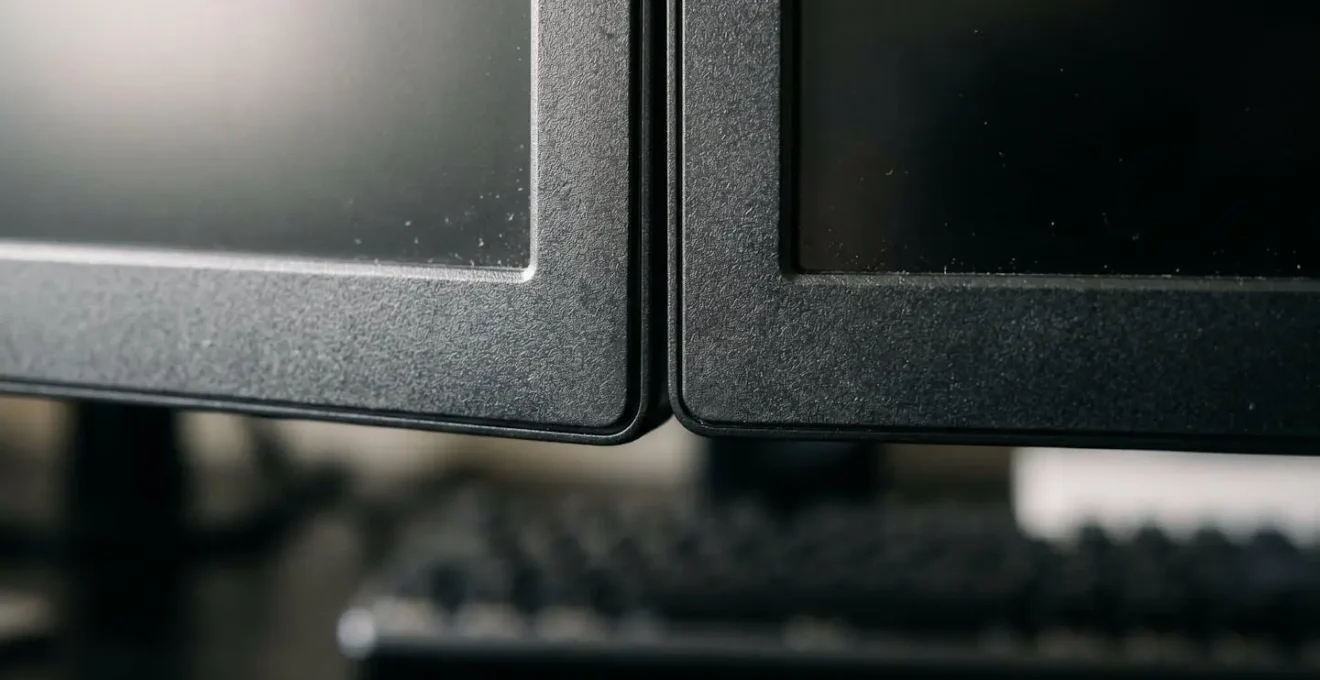
As this setup illustrates, proper alignment is not a luxury; it is a fundamental requirement for sustained concentration and long-term health. Investing in monitor arms or stands is one of the highest-ROI ergonomic interventions a company can make, directly preventing a primary cause of headaches and lost productivity. It transforms an employee’s desk from a source of pain into a hub of deep work.
The Cheap Chair Mistake That Invites Repetitive Strain Injury Claims
The temptation to cut costs on office furniture is a common but dangerous financial miscalculation. A « cheap chair » is not a saving; it’s a down payment on future injury claims. Inadequate seating that lacks proper lumbar support, adjustability, and armrests forces employees into unnatural postures for hours on end. This sustained physical stress is a direct pathway to Repetitive Strain Injury (RSI), carpal tunnel syndrome, and chronic lower back pain—conditions that represent a significant legal and financial liability for any employer.
The data paints a stark picture of this ergonomic debt. Musculoskeletal disorders are not a minor issue; they account for 33% of all worker injury and illness cases. Each claim comes with a heavy price tag, not just in direct compensation but also in lost work time and the indirect costs of hiring temporary staff or dealing with project delays. A single ergonomic-related workers’ compensation claim can carry significant financial weight, making the initial « saving » on an unsupportive chair seem trivial in comparison.
From a legal standpoint, the responsibility is clear. As legal experts in the field of workers’ compensation confirm, employers have a duty of care that includes providing a safe working environment. As one firm notes:
Ergonomic injuries like repetitive strain injury (RSI) and carpal tunnel syndrome are common in desk jobs and covered under workers’ compensation laws.
– Visionary Law Group, Ergonomic Injury Work Comp Guide 2025
Investing in high-quality, fully adjustable ergonomic chairs is a core component of a company’s risk management strategy. It’s a tangible demonstration of a commitment to employee well-being and a crucial defense against the rising tide of MSD-related claims. A good chair pays for itself by preventing even a single injury and retaining the productive capacity of your team.
Which Setup to Choose Between Standing Desks and Active Seating for Financial Analysts ?
The debate between standing desks and active seating (like ergonomic stools or balance chairs) is not about which is universally « better, » but which is more appropriate for the specific tasks and workflow of the user. For a role like a financial analyst, which involves long periods of intense focus interspersed with collaboration, the ideal solution is often a combination of both. The goal is to combat the negative health effects of a purely sedentary workday by introducing movement and postural variation.
Standing desks are excellent for boosting energy and focus during specific tasks. The ability to switch from sitting to standing helps increase blood flow, reduce drowsiness, and can lead to significant productivity gains. For an analyst deep in a spreadsheet or financial model, standing can help maintain alertness and concentration. In fact, one landmark call center study found a 45% higher productivity rate among employees using standing desks compared to their seated colleagues. While the work is different, the principle of breaking sedentary patterns to improve focus is directly applicable.
Active seating, on the other hand, is designed to encourage micro-movements while seated. Chairs or stools that allow for rocking, swiveling, or balancing engage core muscles and prevent the static posture that leads to back pain. This is ideal for collaborative work, short meetings at a desk, or tasks that require less intense, screen-locked focus. It provides a healthy middle ground between static sitting and full standing, promoting what is often called « active sitting. »
For a financial analyst, the optimal strategy involves a height-adjustable desk that allows for easy transitions between sitting and standing. This should be paired with a high-quality, supportive ergonomic chair for periods of seated work. Active seating can then be introduced as a secondary option in breakout areas or for shorter tasks to encourage even more postural variety throughout the day. This layered approach addresses different work modes and provides the best defense against the health risks of prolonged sitting.
The Lighting Upgrade Strategy to Prevent Eye Strain During Winter Months
During the darker winter months, complaints of eye strain, fatigue, and headaches often increase. This is rarely a coincidence. With reduced natural daylight, employees become more reliant on artificial office lighting, which is often poorly suited for prolonged screen work. Considering that ergonomic research estimates the average remote employee spends 13 hours per day looking at screens, the quality of light becomes a critical health and productivity factor.
Poor lighting forces the eyes to work harder, leading to a condition known as Computer Vision Syndrome or Digital Eye Strain. Symptoms include dry eyes, blurred vision, and tension headaches—all of which directly impact an employee’s ability to concentrate and perform. The problem is often a combination of three factors: insufficient ambient light, glare on the screen from overhead fixtures, and a light color temperature that is not conducive to focus.
A strategic lighting upgrade is a high-impact, low-cost intervention. The strategy should focus on creating a layered and controllable lighting environment:
- Task Lighting: Provide each employee with an adjustable desk lamp. This allows them to control the amount of light directly on their immediate workspace, reducing shadows and ensuring documents are as well-lit as their screen.
- Ambient Lighting: Assess the general overhead lighting. Replace harsh, glaring fluorescent tubes with softer, diffused LED lighting. Aim for an ambient light level that is comfortable but not so bright that it washes out the screen.
- Circadian-Friendly Lighting: Where possible, invest in lighting systems that allow for adjustment of color temperature throughout the day—cooler, bluer light in the morning to promote alertness, and warmer, yellower light in the afternoon to reduce eye strain and support natural sleep cycles.

Maximizing natural light, as shown here, is always the best first step. But for the reality of winter and deep office floor plans, a thoughtful artificial lighting strategy is essential. It is a direct investment in your team’s visual comfort and cognitive endurance.
How to Maintain Team Culture When 70% of Staff Work from Home ?
When a majority of your team works remotely, the intangible bonds of company culture can easily fray. The spontaneous conversations, shared experiences, and visible sense of teamwork that define an in-office environment disappear. In this new paradigm, culture is no longer built by proximity, but by intentional, tangible actions from leadership. One of the most powerful and overlooked actions is establishing a culture of « ergonomic equity. »
Ergonomic equity means ensuring that every employee, regardless of their location, has access to a safe, comfortable, and productive workspace. It moves beyond a compliance-driven, legalistic approach and reframes ergonomics as a fundamental pillar of employee care and fairness. When an employee develops RSI because their home setup is inadequate, it’s not just a health issue; it’s a culture issue. It sends the message that their well-being is not a priority, creating a divide between a well-equipped office « A-team » and a « make-do » remote workforce.
This isn’t just about being nice; it’s about fulfilling a core responsibility. The legal obligation to provide a safe environment doesn’t vanish with remote work. As legal guidance consistently points out, employers must accommodate conditions and prevent injury. Providing a budget for or directly supplying standardized ergonomic equipment (a quality chair, a monitor stand, an external keyboard) is a clear, visible signal that the company is invested in its people’s long-term health. This single act does more to build trust and a positive culture than a dozen virtual happy hours, as it addresses a foundational need for physical safety and comfort.
By standardizing access to proper equipment, you are not just preventing injuries and future claims; you are creating a level playing field. You are ensuring that an employee’s ability to perform their job is not limited by their personal financial ability to create a proper home office. This is a powerful, daily reinforcement of a culture that truly values its people.
Why Having Slack, Teams, and Email Simultaneously Destroys Deep Work ?
In the modern workplace, we have extended the principles of physical ergonomics to the tools we use, but often neglect cognitive ergonomics—the science of designing systems that work with, not against, the brain’s limitations. The simultaneous use of multiple communication platforms like Slack, Microsoft Teams, and email is a prime example of poor cognitive ergonomics. Each platform operates in its own silo, with its own notification system and conventions, forcing the brain into a state of constant context-switching.
Every notification, every « ping, » every switch from writing code to checking a Slack message, then to finding a document mentioned in an email, incurs a « cognitive switching penalty. » It takes time and mental energy to disengage from one task and re-engage with another. For roles that require deep, uninterrupted focus, like software development, this constant fragmentation is disastrous for productivity. It prevents developers from entering a state of « flow, » where they are most innovative and efficient. This mental friction leads directly to burnout and fatigue.
This cognitive strain is deeply connected to physical well-being. As experts in the developer community point out, « Physical fatigue bleeds into mental fatigue. » When an employee is already physically uncomfortable from a poor setup, their tolerance for cognitive friction plummets. They become more prone to making errors, taking shortcuts, and feeling overwhelmed.
Case Study: The Link Between Workspace Comfort and Developer Focus
A study on developer workspace optimization highlighted the critical link between the physical environment and mental output. Researchers found that a comfortable, well-equipped workspace allows developers to enter the right « headspace » for focused work. The study emphasized that investing in powerful equipment and ergonomic setups is not a perk but a direct driver of productivity. By removing sources of physical and technical frustration, companies create an environment where developers can perform at their peak, minimizing errors and maximizing innovation.
The solution is to streamline and create clear « rules of engagement » for communication tools. Designate specific platforms for specific purposes (e.g., Slack for urgent, real-time queries; email for formal, non-urgent communication) and encourage « asynchronous » communication by default. This reduces the cognitive load and protects the blocks of time needed for deep work.
Key Takeaways
- Ergonomics is a fundamental risk and cost management strategy, not a discretionary employee benefit.
- The highest-impact and most common ergonomic failures are often the most overlooked: improper monitor height, inadequate chair support, and poor lighting.
- An effective ergonomic strategy must be holistic, addressing both the physical workspace and the cognitive load imposed by digital tools and communication platforms.
Which Productivity Software Actually Saves Time Instead of Creating More Admin ?
The market is flooded with « productivity software, » all promising to streamline workflows and save time. Yet, many of these tools inadvertently create more administrative burden, adding another layer of complexity to an already noisy digital environment. For an HR Director looking to support team efficiency, the key is to differentiate between tools that genuinely reduce friction and those that simply add to the cognitive load. The best productivity software isn’t the one with the most features; it’s the one that integrates most seamlessly into existing workflows and automates low-value tasks.
True productivity-enhancing software is characterized by a low « cognitive cost. » It should be intuitive, require minimal training, and, most importantly, consolidate information rather than fragmenting it further. Instead of adopting another standalone tool, look for platforms that integrate with the systems your team already uses. For example, a project management tool that syncs directly with your code repository and communication platform (like Slack or Teams) eliminates the need for manual status updates and reduces context switching.
When evaluating software, consider these principles of good cognitive ergonomics:
- Consolidation over Proliferation: Does the tool bring information together in one place, or does it create another destination to check?
- Automation of Routine Tasks: Can it automate reporting, reminders, or data entry to free up human brainpower for complex problem-solving?
- Low Notification Noise: Does the tool allow for granular control over notifications, enabling users to protect their focus?
Ultimately, the goal is to equip your teams with tools that feel invisible—systems that support their work without demanding constant attention. As one leading voice in the developer community powerfully states, this holistic view of the work environment is essential for a sustainable career.
Investing in ergonomics isn’t a perk; it’s a professional necessity for anyone serious about a long and productive career in software development.
– DEV Community, Code Comfort: Why Ergonomics is a Developer’s Best Long-Term Investment
This principle applies equally to the physical chair and the digital dashboard. Choosing software wisely is the final piece of a comprehensive ergonomic strategy that builds a resilient, focused, and highly productive workforce.
By adopting this strategic, data-driven approach to ergonomics, you move from a reactive, cost-centric model to a proactive, value-creation one. The next step is to begin a systematic audit of your current environment to build a compelling business case for change.